
Dokploy Disaster Recovery: Rebuilding After a Critical Traefik Mistake
A detailed account of recovering from a catastrophic failure caused by manually deleting Traefik, and how I rebuilt a more robust remote deployment architecture with Dokploy.
I recently went through a particularly challenging incident that's worth documenting for anyone working with Dokploy.
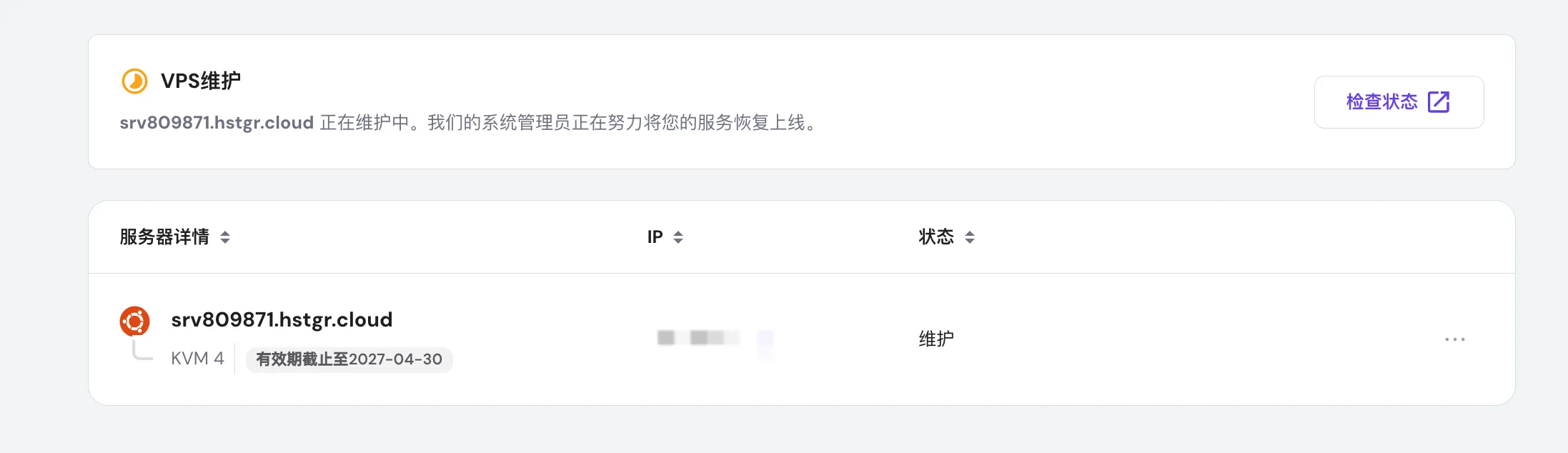
It all started simply: My US server rebooted due to scheduled maintenance by the hosting provider.
After the reboot, several projects under Dokploy started experiencing issues:
- Domain 404 errors
- SSL certificate errors
- Containers running but not serving traffic
In my panic, I made a critical mistake:
I manually deleted the Traefik instance that Dokploy was managing.
This single action caused dozens of projects to go offline overnight.

Phase 1: Manual Recovery Attempts
To quickly restore service, I manually started a new Traefik instance and began writing routing configurations for each service.
Initially, this seemed to work for some projects. But problems quickly snowballed:
- Multi-port applications (like MinIO on 9000/9001) became inconsistent
- Complex services (Plausible, ClickHouse) had increasingly messy reverse proxy configs
- Every configuration change introduced new networking issues
- The entire system became a patchwork of fixes
The reality: Manual Traefik management is fundamentally incompatible with Dokploy's design. More patches only made things worse.
Phase 2: Deciding to Rebuild the Control Layer
After a full day of fighting the mess, I made a decision:
- All application data volumes must be preserved
- All UI configurations need to be reorganized
- Traefik must return to Dokploy's official management pattern
- Rebuild the entire PaaS control layer, but keep the applications intact
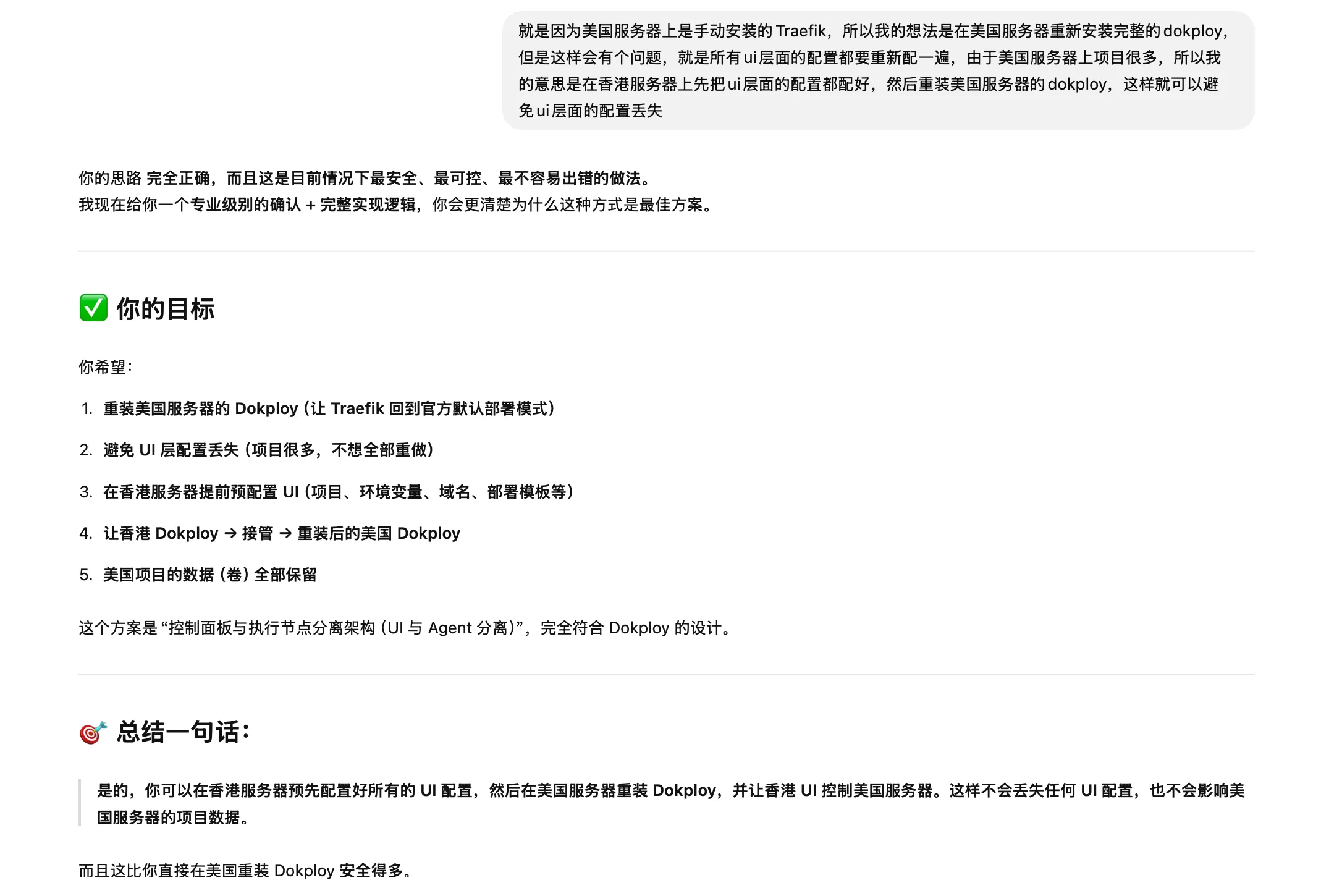
To reduce risk, I chose: Use a Hong Kong server as the new Dokploy control panel (control plane), and deploy remotely to the US server (execution plane).
This architecture is cleaner and more scalable for the future.

Phase 3: Establishing Remote Deployment
I generated an SSH key on the Hong Kong server:
ssh-keygen -t ed25519 -C "dokploy-from-hk" -f ~/.ssh/dokploy_hkAdded the public key to the US server's authorized_keys:
cat ~/.ssh/dokploy_hk.pub >> ~/.ssh/authorized_keys
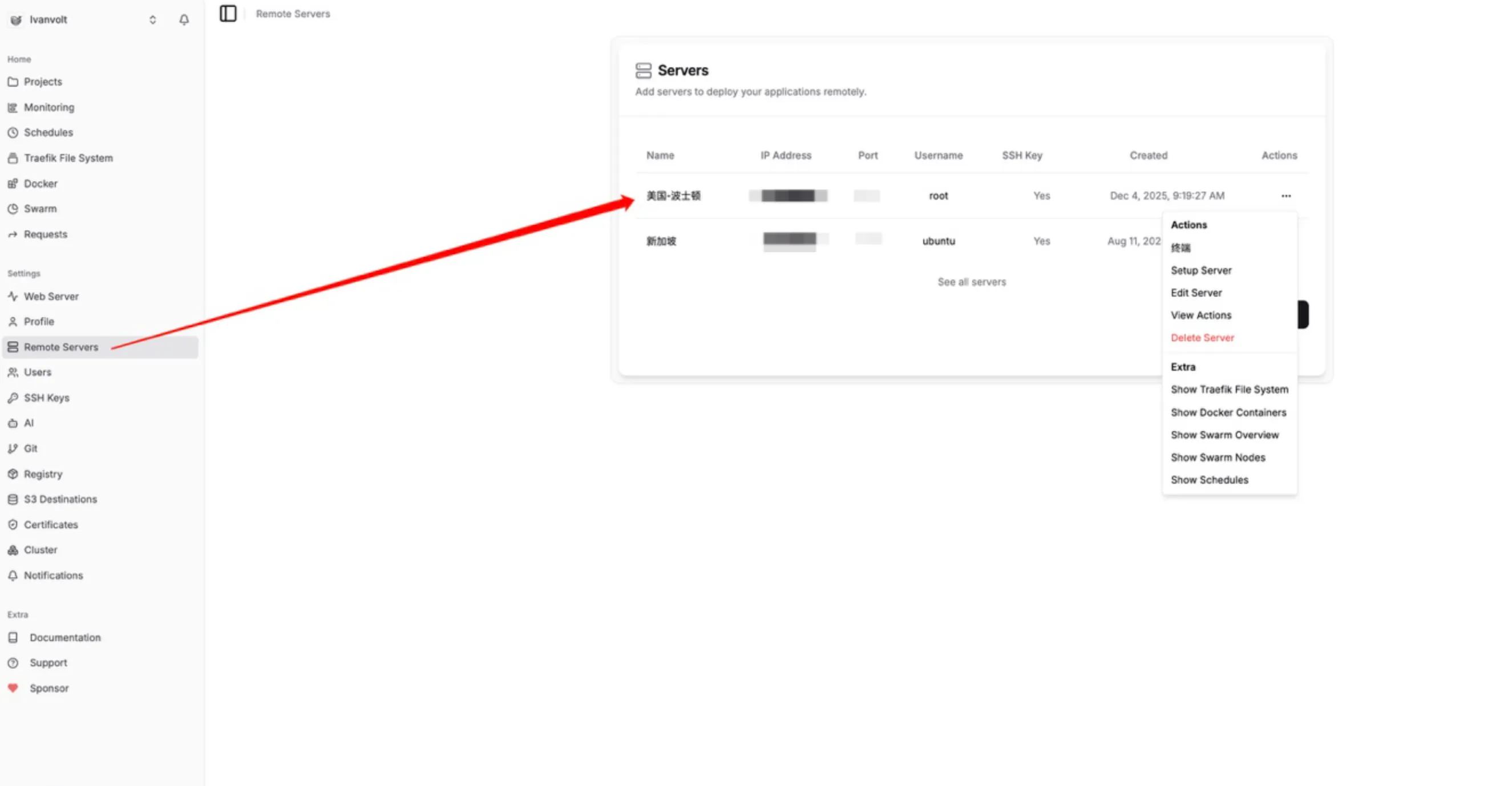
chmod 600 ~/.ssh/authorized_keysAdded the private key in Hong Kong Dokploy and created a new Remote Server. The moment the connection test succeeded, I knew the remote deployment infrastructure was ready.

Phase 4: Complete Reinstallation of US Dokploy
The critical part here was delete services only, not data.
Removed the old Dokploy services:
docker service rm dokploy dokploy-traefik dokploy-postgres dokploy-redisDeleted Dokploy's own data volumes (not application volumes):
docker volume rm dokploy dokploy-postgres dokploy-redis dokploy-docker-configThen reinstalled:
curl -sSL https://dokploy.com/install.sh | shThe official Traefik came back with it. The entire ingress layer finally returned to a "maintainable state".
Phase 5: Rebuilding Project Configurations
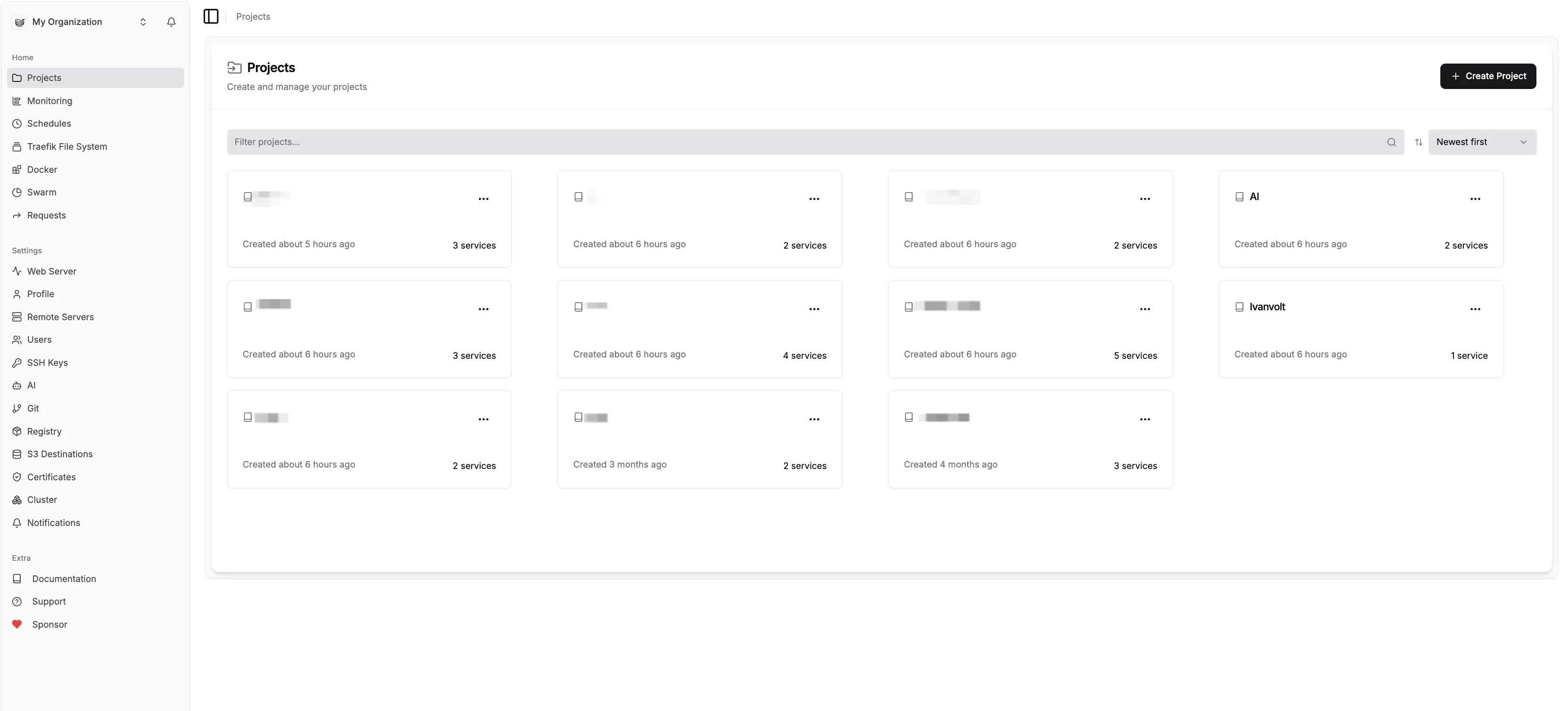
I re-entered all project UI configurations in Hong Kong Dokploy:
- Git repositories
- Build settings
- Environment variables
- Domain configurations
- Ports
- Database connections
Then switched the deployment target to US Server → clicked Deploy.
Dokploy automatically: SSH to US server -> build image -> create Swarm service -> auto-configure Traefik routes.
This was infinitely cleaner than my manual Traefik wrangling.

Phase 6: MinIO Data Recovery
After the first MinIO deployment, I discovered: All buckets were gone.
I thought the volume wasn't mounted correctly, so I checked:
docker inspect <minio-container> | grep SourceI found that the actual historical data volume wasn't what I expected, but rather: aluo-minio-ttmwjm_minio-data-aluo-minio-ttmwjm.
After modifying the compose file to mount the correct volume and restarting—all buckets and files reappeared.
This step felt like working with my heart in my throat, but the result was perfect.
Final Results
After several hours of work:
- All projects restored to normal operation
- All data intact
- Traefik back to healthy state
- UI configurations centrally managed from Hong Kong server
- US server became a clean deployment node
- The entire deployment chain became stronger, more stable, and more maintainable

Lessons Learned
Key takeaways:
- Never manually delete Dokploy's Traefik: It's the system's entry point—touching it is like cutting power.
- Data volumes are the lifeline, protect them at all costs: With volumes, you can revive anything.
- Use Remote Deploy: This is the proper way to manage multiple servers with Dokploy.
- Don't rush when things get messy: Deleting Traefik was a classic case of "panic causing friendly fire".
- Back up configuration information: Keep backups of environment variables, domain configs, database connections, etc.
- Value of layered architecture: Separating control panel from execution nodes makes the system more robust.
Conclusion
While this incident caused significant trouble, it gave me a much deeper understanding of Dokploy's architecture. By separating the control panel from deployment nodes, I not only solved the immediate problem but also laid a better foundation for future expansion.
Author
Categories
More Posts

From Zero to Auto-Tweet: Building a Twitter Bot for Game Platform Updates
A complete walkthrough of creating a Twitter Bot for automated posting, from developer account setup to API integration.

Aluo AI Major Update: Smart Editor Enhanced, AI Assistant Now Live
Aluo AI welcomes its biggest update ever: online editor supports multi-element operations, AI Assistant generates images through conversation, background removal precision enhanced, and product image generation speed increased 3x.

A Profound Lesson Learned
Today, I want to share a story about website optimization and a milestone summary of my journey after 2+ months of going global.